
100plus Payment Methods: Deposits and Withdrawals
The 100plus payment methods cover what Malaysian players actually use: debit and credit cards, QR and mobile wallets, e-wallets and a small crypto section. Every deposit is made in MYR through the same secure checkout.

Which 100plus payment methods are available in Malaysia?
The cashier keeps the list practical: cards, QR payments, mobile wallets, e-wallets and a small crypto section. Everything is charged in Malaysian ringgit (MYR), so the amount you type is the amount that leaves your account.
Each 100plus online payment runs through an encrypted payment gateway. Card data is entered on a secure checkout page, and wallet transfers are approved inside the wallet app.
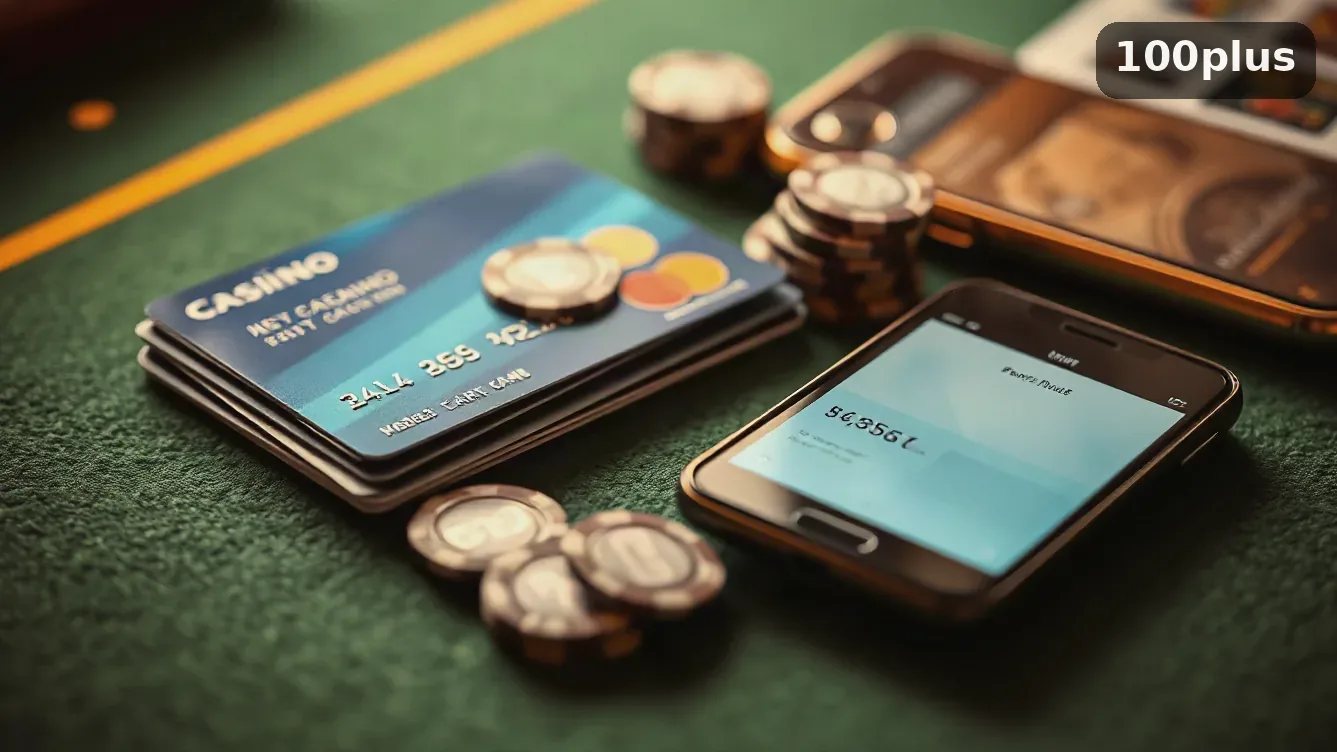
100plus payment options at a glance
| Payment option | Type | Good for |
|---|---|---|
| Visa, Mastercard | Debit and credit card | Players who already pay by card online |
| QR and Tap | Mobile QR payment | Quick top-ups from a phone |
| Google Pay, Apple Pay | Mobile wallet | Paying without typing card details |
| Skrill, Neteller | E-wallet | Keeping a playing balance apart from the bank |
| Bitcoin, Ethereum, Tether | Crypto | Players who already hold crypto |
| Direct debit | Online banking | Transfers from a Malaysian bank account |
New to the site? The 100PLUS registration guide shows how to open an account and enter the promo code fun_2230 before your first deposit.
The flow is identical for every option; only the confirmation step changes. On a phone it takes a couple of minutes.
How to pay at 100plus, step by step
-
01
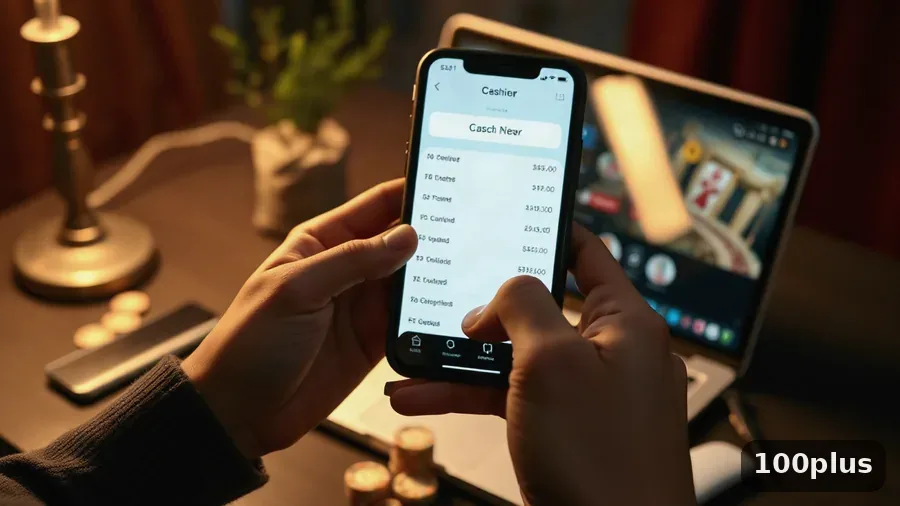
Pick a method in the cashierLog in, open the cashier and choose the deposit tab. Each option lists its own minimum and maximum, so pick the one you already use for online banking or shopping.
-
02
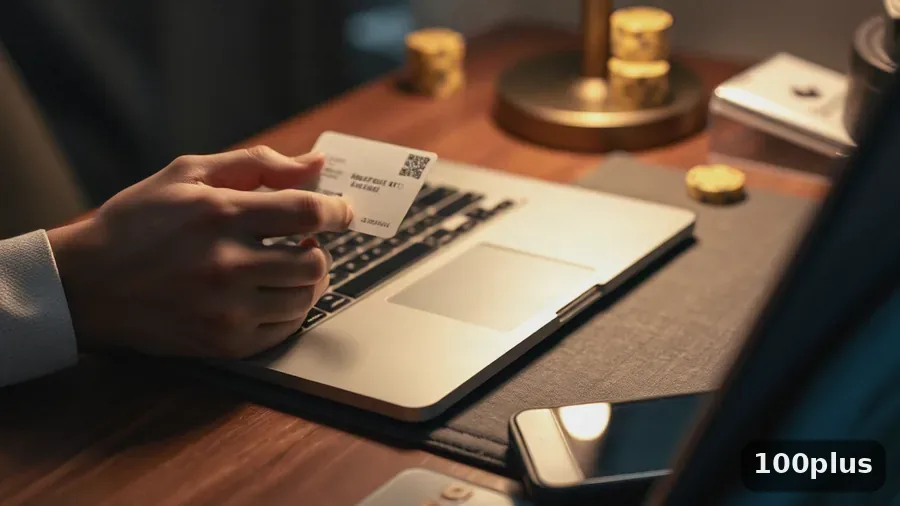
Enter the amount and your detailsType the sum in MYR and fill in what the gateway asks for. Cards need the number, expiry date and CVV; e-wallets redirect you to the wallet app to log in.
-
03
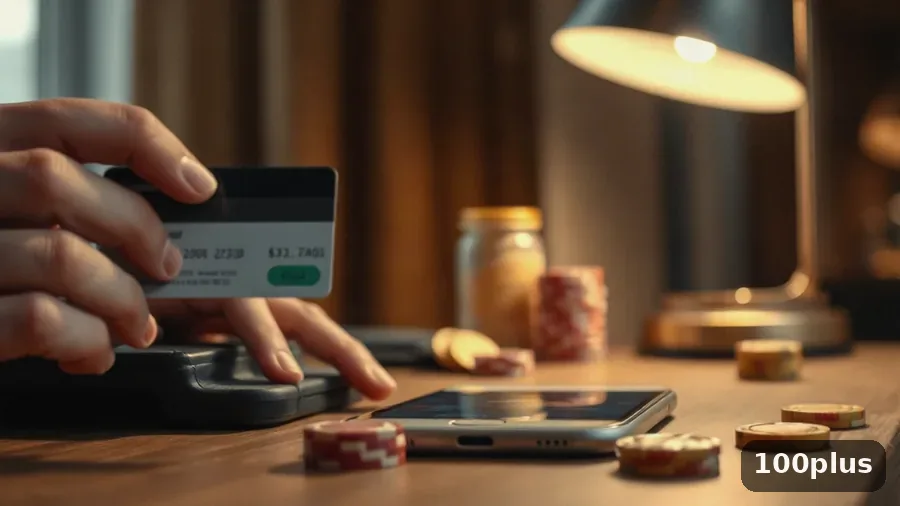
Approve the transactionConfirm with the one-time code from your bank or your wallet PIN. Nobody from support will ever ask you for that code.
-
04
Check the confirmationThe balance normally updates as soon as the gateway replies, and a receipt lands in your transaction history. If nothing changes, check the history before paying again.
E-wallets, online banking and card payments in detail
Most players end up with a fast method for small top-ups and a bank route for bigger deposits. Here is how the three families differ.
100plus e-wallet payment: Touch ‘n Go eWallet, GrabPay and Boost
Local wallets are the quickest route on a phone. Choose the wallet, type the amount and approve the request in the app. Keep the wallet in the same name as your player account — it is checked at withdrawal.
100plus online banking and FPX-style transfers
Bank transfers open your own bank login in a secure window. There is no card to type, the approval arrives through your banking token or TAC, and the money leaves the current account directly.
100plus credit card payment
Visa and Mastercard debit and credit cards use the same checkout. The card is charged in MYR, your bank adds its 3-D Secure step, and the balance updates on confirmation.
100plus accepted payments
The cashier shows each method with its own limits. A missing option is usually a verification or currency detail rather than a permanent block.
- Visa
- Mastercard
- Qr
- Tap
- Google Pay
- Apple Pay
- Direct Debit
- Skrill
- Neteller
- Bitcoin
- Ethereum
- Tether
Withdrawals, fees and verification
Money out is where most questions appear. The rule of thumb: withdraw to the method you deposited with, and get the account verified first.
- Send winnings back to the same card, wallet or bank account used for the deposit.
- Complete the document check once — an ID photo plus proof the payment method is in your name.
- Read the fee line on the confirmation screen before you approve; it is shown in advance.
- Speed depends on the route: e-wallets and QR confirm faster than card refunds.

Set a limit before you play. The 100plus responsible gaming tools let you cap deposits or take a break, and they apply to every payment method. Bonus funds from the 100plus bonuses page can carry their own wagering rules.
Paying from a phone: mobile cashier and history
Nothing changes on a small screen. The cashier opens in a mobile window, e-wallets jump straight into the app, and the confirmation arrives as a receipt. Install the client from the 100PLUS app page.
Every 100plus payment leaves a record under transaction history: date, method, amount and status. Check that status before contacting support.

Questions players ask about payments
Is it safe to pay with a credit card at 100plus?
Card data goes through an encrypted gateway, and the 3-D Secure step is handled by your bank.
Can I use Touch 'n Go eWallet, GrabPay or Boost?
These mobile wallets appear in the cashier when enabled for your account. Approve in the app and the balance updates on confirmation.
What is the minimum deposit at 100plus?
Each option has its own minimum and maximum, printed in the cashier before you confirm.
Are there fees on 100plus payment methods?
Any fee is shown on the confirmation screen. Your bank or wallet may add its own charges, which the casino cannot refund.
Why did my deposit not appear?
Open the transaction history. If the payment is pending, give the gateway a moment; if it failed, the money usually returns to the source.
Do I have to withdraw with the same method?
Wherever possible, yes — payouts go back to the route used for the deposit. Otherwise support asks for an alternative in your own name.
Can someone under 18 open an account?
No. The site is for adults aged 18 and over. Treat gambling as entertainment: set limits and never chase a loss.